Business types

Find the Tillr fit closest to your business.

Choose the business type that most closely matches how you sell. Each guide explains relevant workflows without forcing every operator into the same setup.

Flexible starting point

Start with familiar hardware.

Use existing iPads

Start checkout on the device many teams already know.

Scan without a separate scanner

Use the iPad camera for barcode capture at the counter.

Keep printers optional

Use digital receipts first, then add paper when it suits the workflow.

Retail shops

Catalog, checkout, inventory, customers, and reporting for stores that sell physical products.

Person examining a book among shelves in a used bookstore

Bookstores

Scan a saved ISBN barcode or search your book catalog. Add a customer when requested and reward eligible purchases with your configured loyalty program. Tillr does not look up or fill in book details from outside databases.

View business guide

Shopper comparing two smartphones in an electronics store

Electronics stores

Find the model your shopper chose and add a case, cable, or charger to the sale. Set up each model, storage, and color as a separate SKU; product variants are not grouped.

View business guide
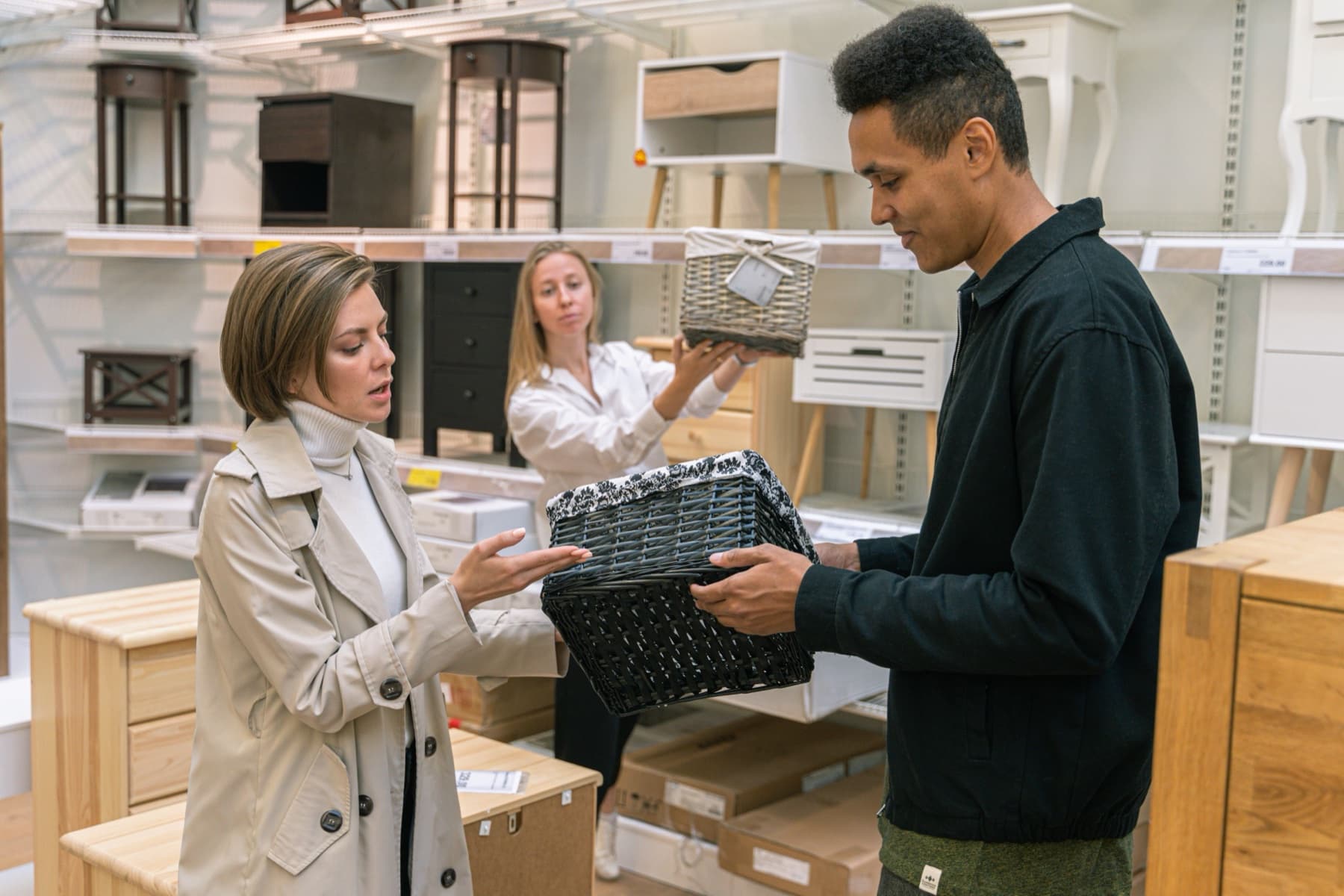
Store associate helping shoppers compare woven storage baskets in a home-goods showroom

Home goods stores

Record deliveries against your purchase orders and review tracked stock. If an item comes back, process an eligible return against the original sale. Low-stock views do not place orders for you.

View business guide
Unbranded makeup brushes, mascara, lipstick, blush, and compact arranged on a neutral surface

Health & beauty retailers

Ring up beauty products and reward eligible repeat purchases. Give each shade, size, or formula a separate SKU; the option matrix does not create variants. For salon appointments, see our service-business pages.

View business guide
Shopper reaching for red yarn on a stocked craft-store shelf

Hobby & craft stores

Sell yarn, paint, tools, and other craft supplies. Give each color, weight, or material its own SKU. Staff choose related products; Tillr does not recommend them automatically.

View business guide
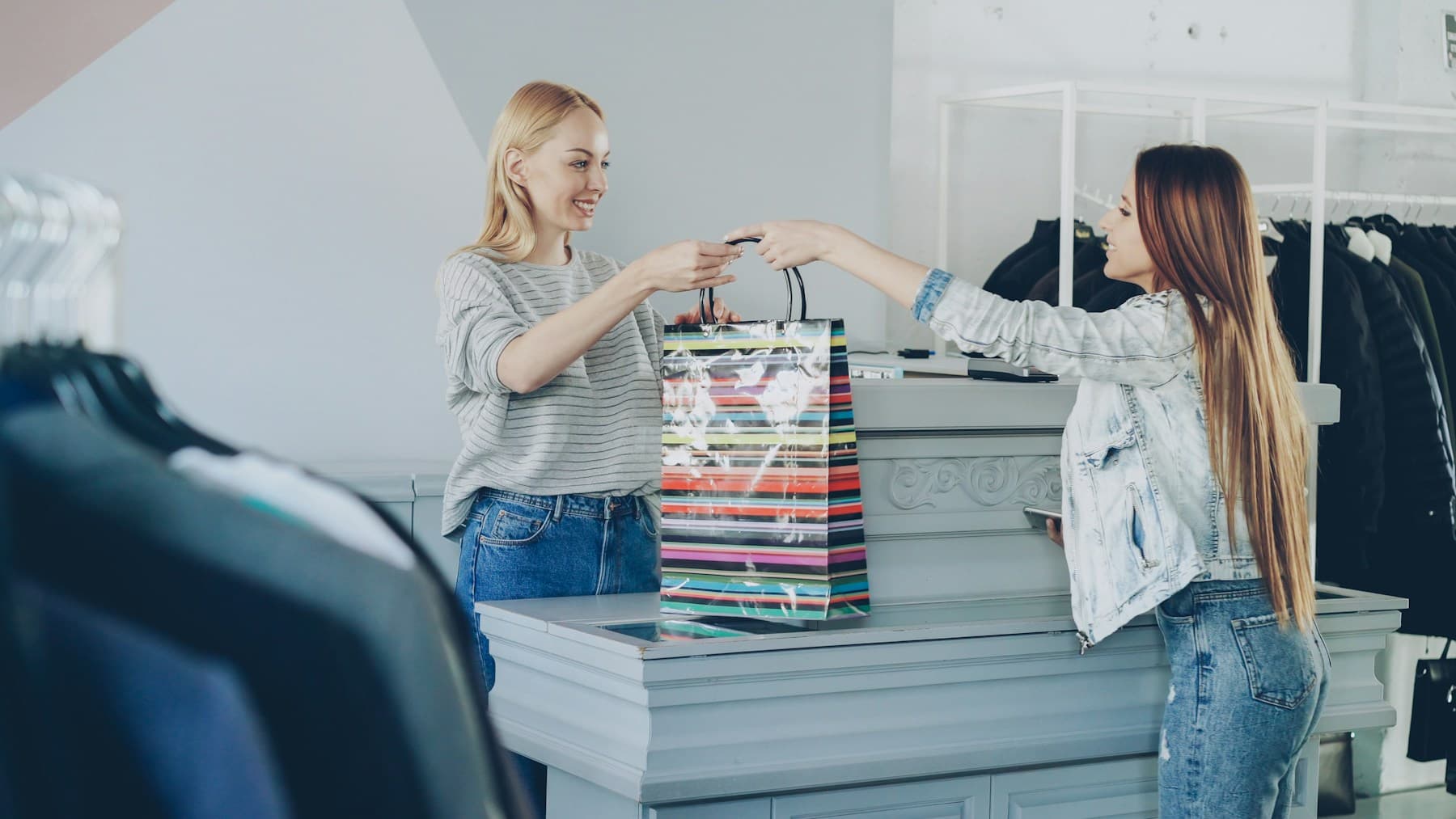
Store associate handing a shopping bag to a customer at a clothing-store counter

Boutiques & apparel stores

Ring up the size and color your shopper chose. Set up each as a separate SKU; the option matrix does not create or group product variants. For a replacement, return the eligible item first, then make a new sale—not a combined exchange.

View business guide
Store associate handing a red shopping bag to two customers at a specialty-retail counter

Gift shops

Import and review your product catalog, prepare labels, and set up promotions. Tillr provides standard receipts, no separate gifting-specific receipt option. Label printing needs a supported printer and driver; check the printed result yourself.

View business guide
Black dog resting beside a wooden floor

Pet stores

Ring up food, treats, and supplies, then reward eligible purchases from your regulars. Review tracked stock to see which everyday staples need attention.

View business guide
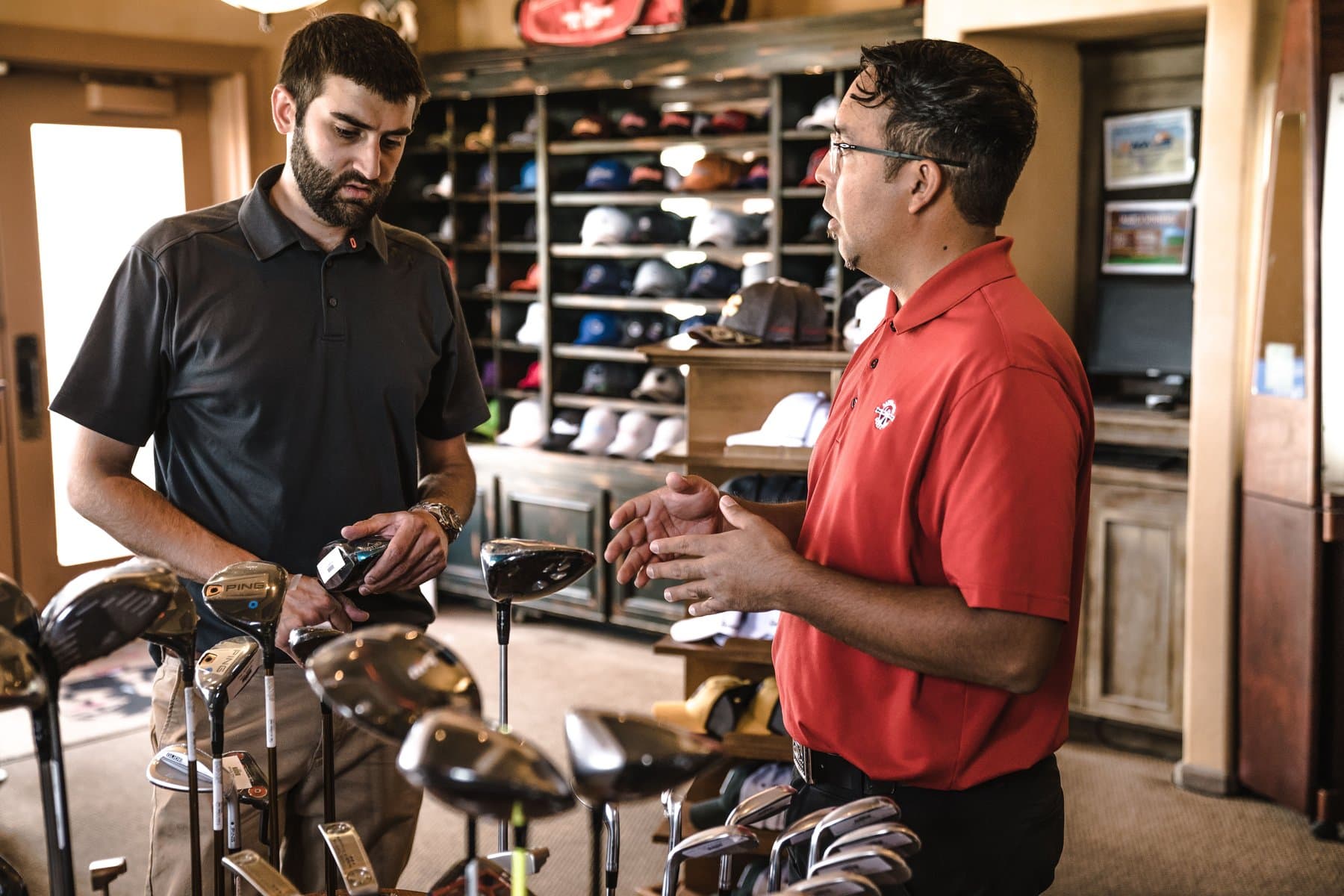
Store associate helping a customer compare golf clubs in a sporting-goods store

Sporting goods stores

Sell shoes, clothing, and equipment with a separate SKU for each size or model. Product variants are not grouped. Your staff provide fitting advice; Tillr handles the items they select at checkout.

View business guide
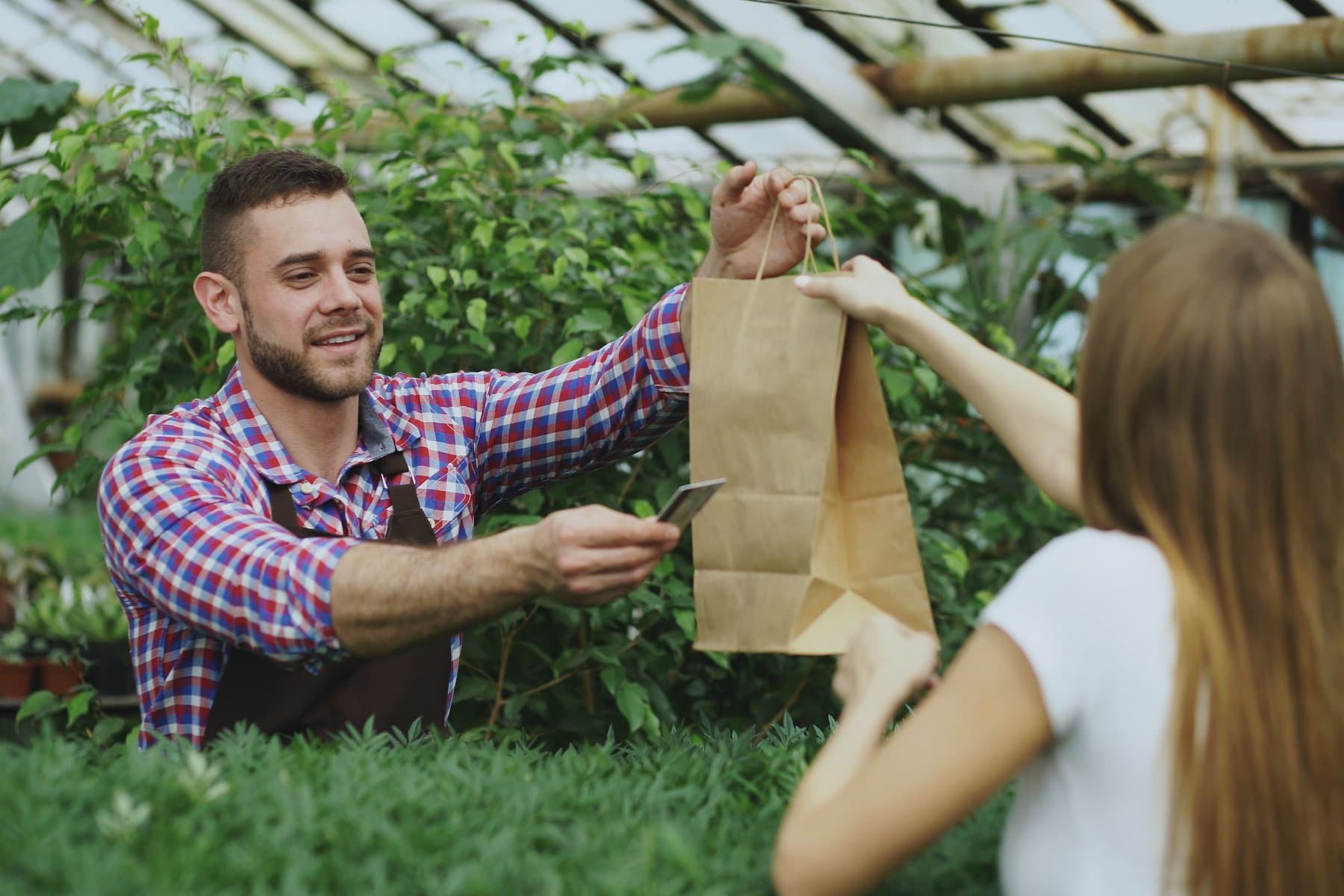
Greenhouse associate handing a customer a paper shopping bag while returning a card

Garden centers & nurseries

Find plants and packaged supplies by barcode or catalog search. Each plant or pot size needs a separate SKU; variants are not grouped. Offline mobile checkout is cash-only and needs a previously cached catalog and open drawer. Cards require a connection.

View business guide
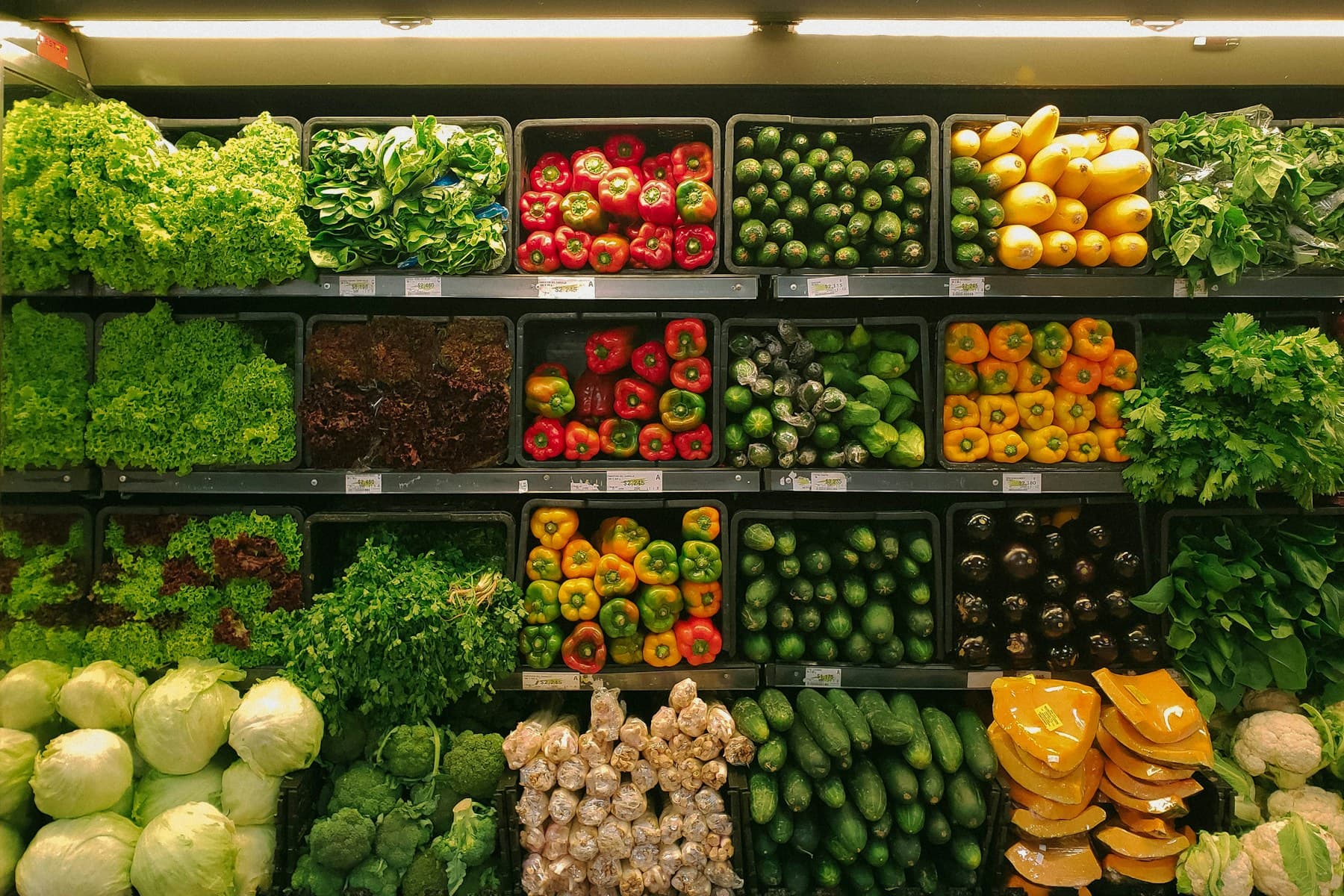
Fresh produce arranged on refrigerated retail store shelves

Convenience stores

Find everyday items by barcode or favorites and apply offers that match your promotion rules. Completed sales update stock for inventory-tracked products.

View business guide
Shopper holding three plush toys in a toy-store aisle

Toy stores

Sell toys, games, and collectibles with a separate SKU for each edition or option; variants are not grouped. Apply eligible rewards and handle returns against the original sale. Receipts are standard receipts, with no separate gifting-specific option.

View business guide

Food & hospitality

Menus, modifiers, tips, order handoff, and reporting for restaurants and food businesses.

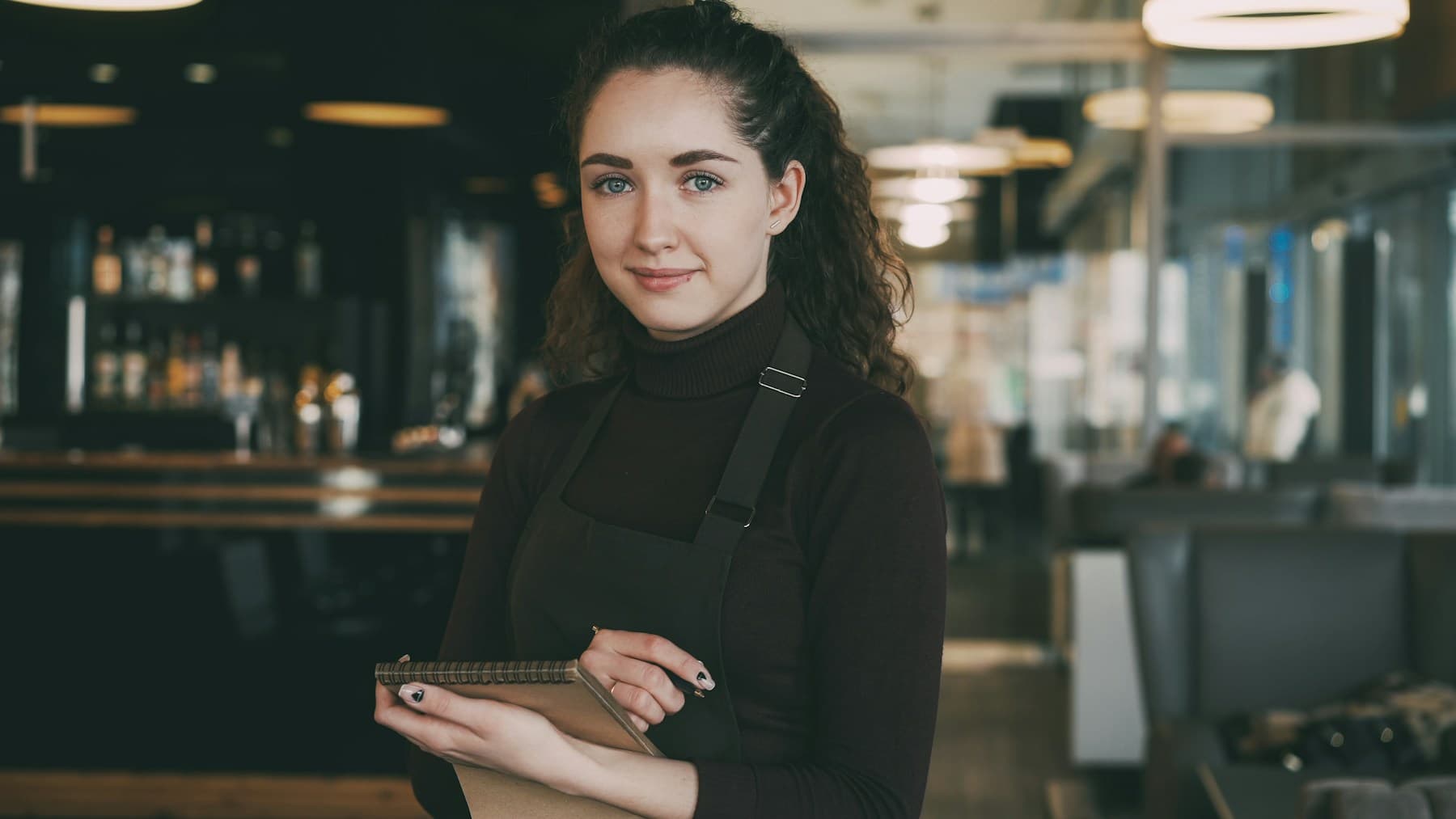
Restaurant server holding an order pad during service

Restaurants & food businesses

Manage menu items, counter orders, and online orders. Pass the details to the kitchen and review completed sales and tips. Online ordering and kitchen tools need setup for your location.

View business guide

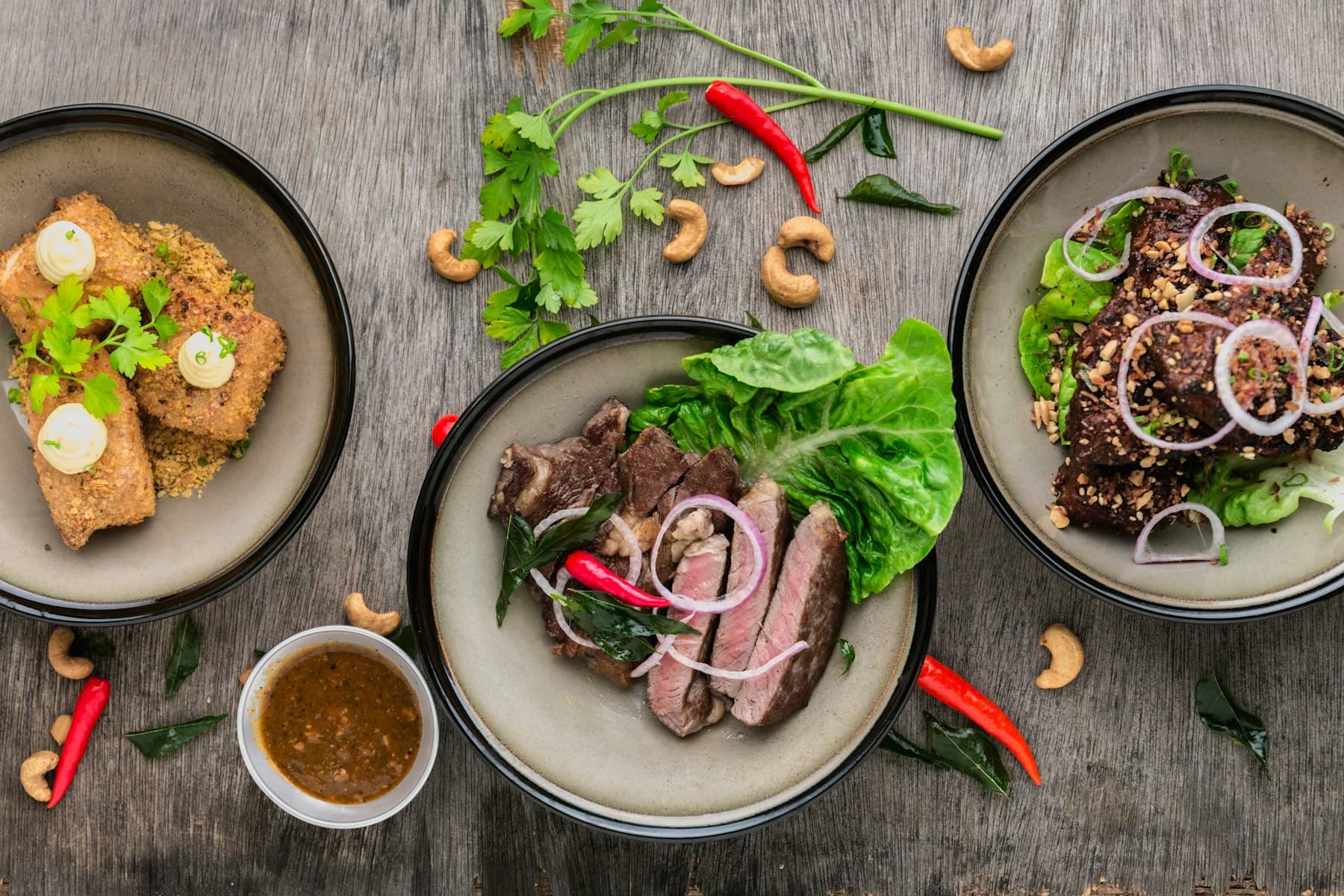
Fast-casual food spread ready for counter service

Quick service restaurants

Choose menu items and modifiers, take payment, and pass the details to your kitchen. Website orders can join the queue after online ordering and kitchen setup are ready.

View business guide
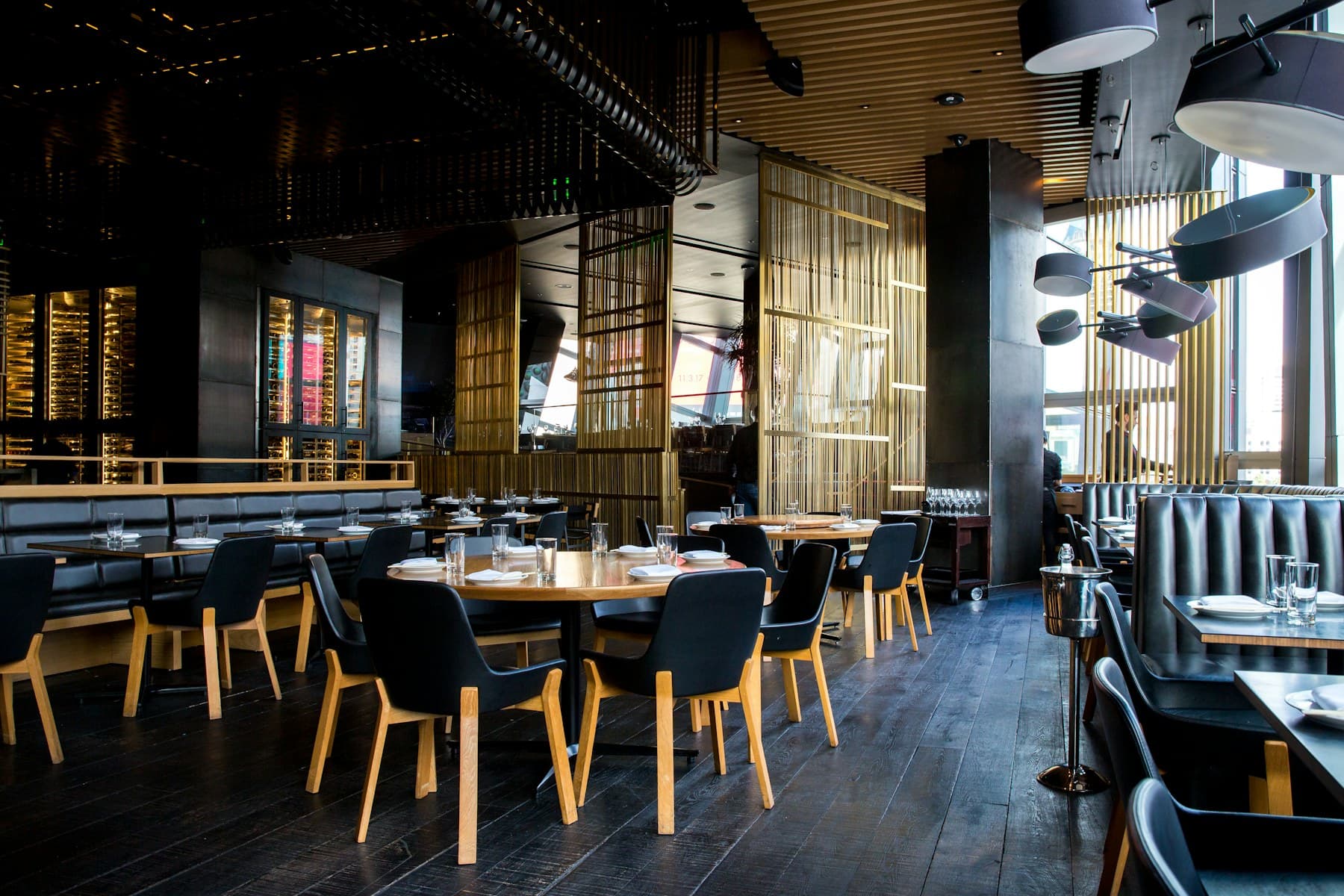
Warmly lit restaurant dining room with set tables

Full-service restaurants

Manage tables, reservations, and open orders. Add menu items and modifiers, then take payment and tips. Confirm table and kitchen setup for your location before service.

View business guide
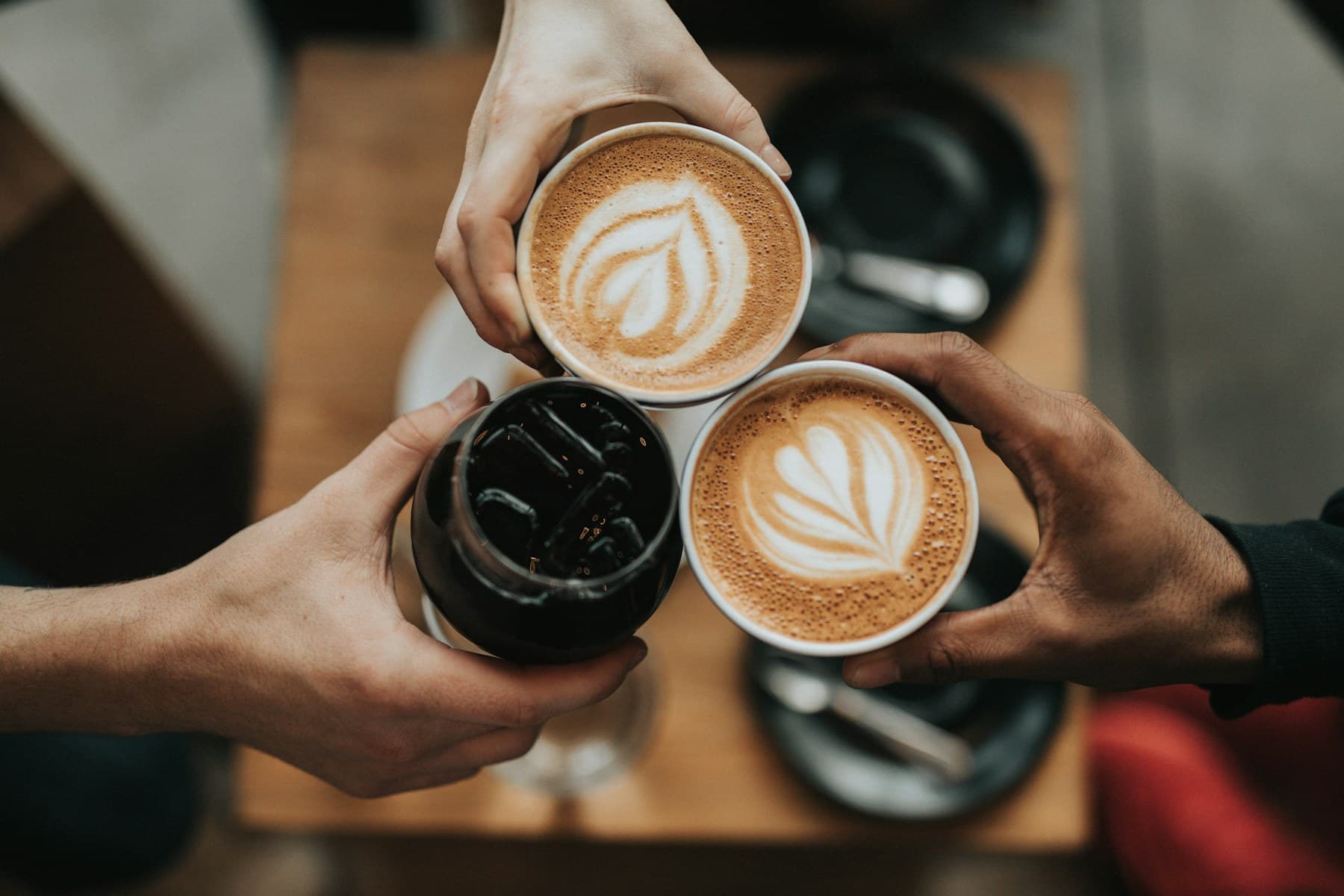
Three people holding coffee drinks together over a table

Cafes & bakeries

Take coffee and pastry orders, add configured milk choices or extras, and ring up the sale. Give regulars a reason to return with a loyalty program you set up for your cafe.

View business guide
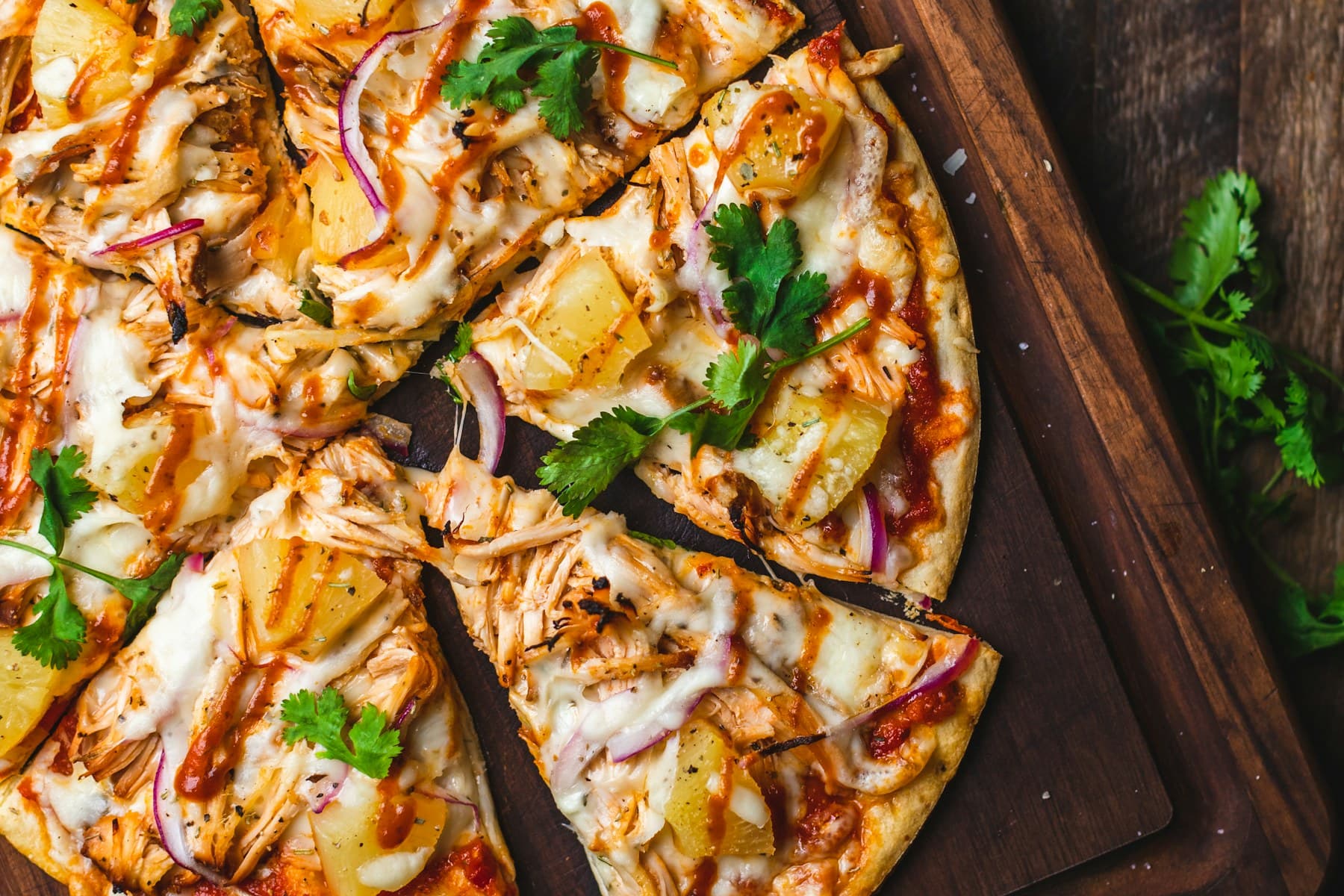
Pizza plated for casual counter ordering

Food trucks

Keep your compact menu ready and review sales from your device. Cards need a connection and a ready reader. Offline cash checkout is mobile-only and requires a cached catalog, signed-in staff, an active register, and a drawer opened while online.

View business guide

Services & appointments

Scheduling, customer context, staff workflows, and checkout for appointment-led businesses.

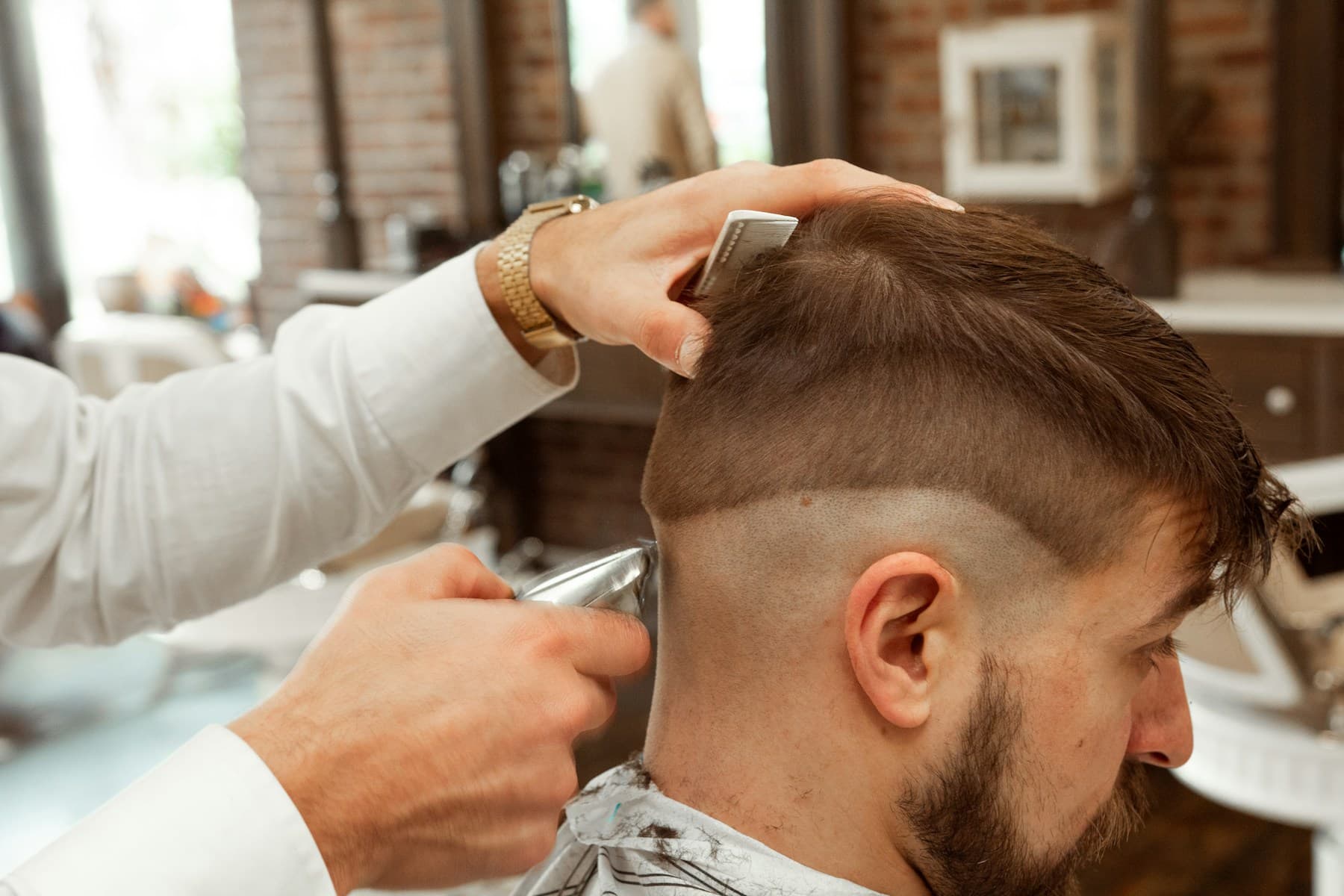
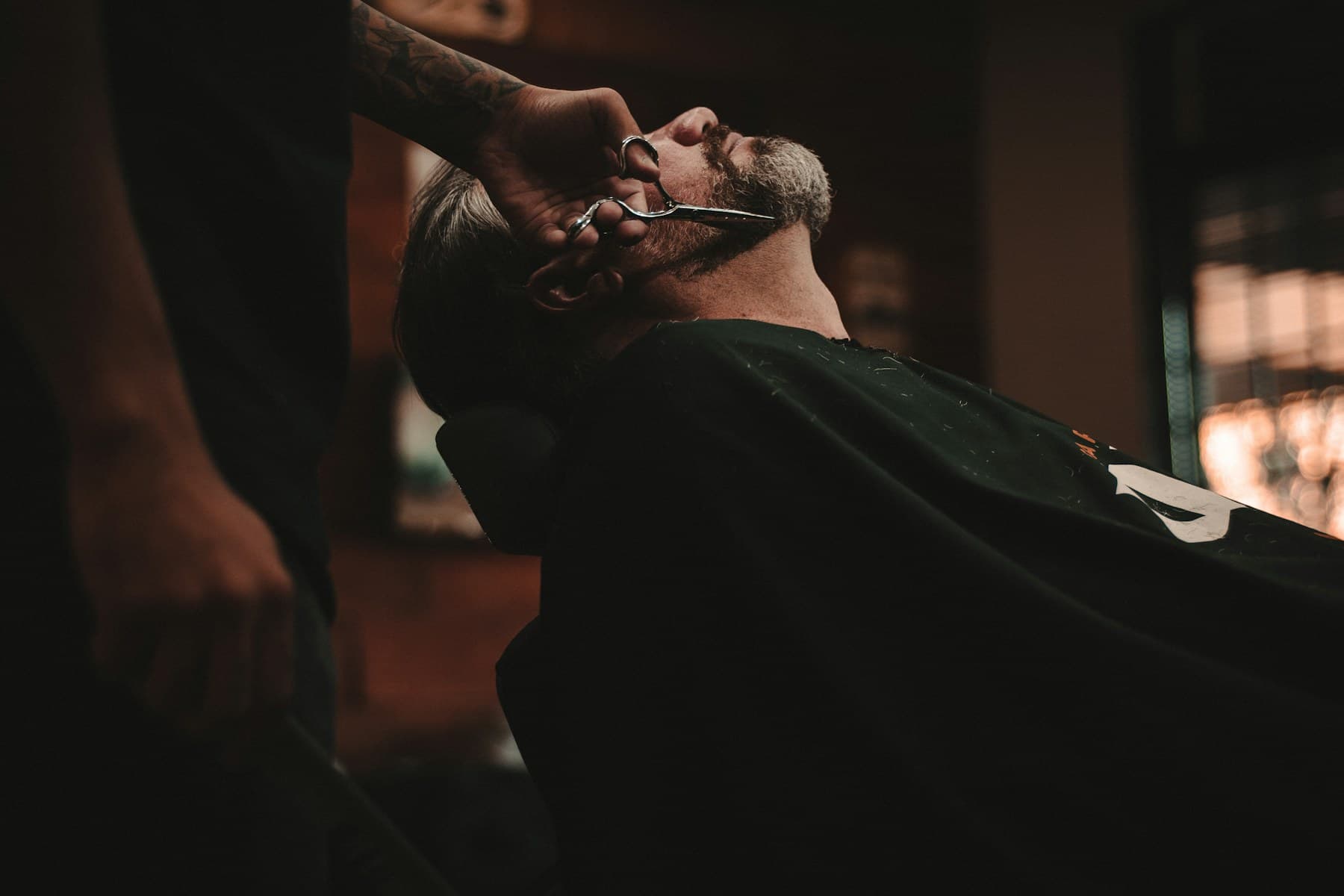
Barber trimming a seated man's hair

Service & appointment businesses

Review the appointment, confirm the service, and add any products the client takes home. Staff select services and products at checkout; appointment details do not fill the cart automatically.

View business guide
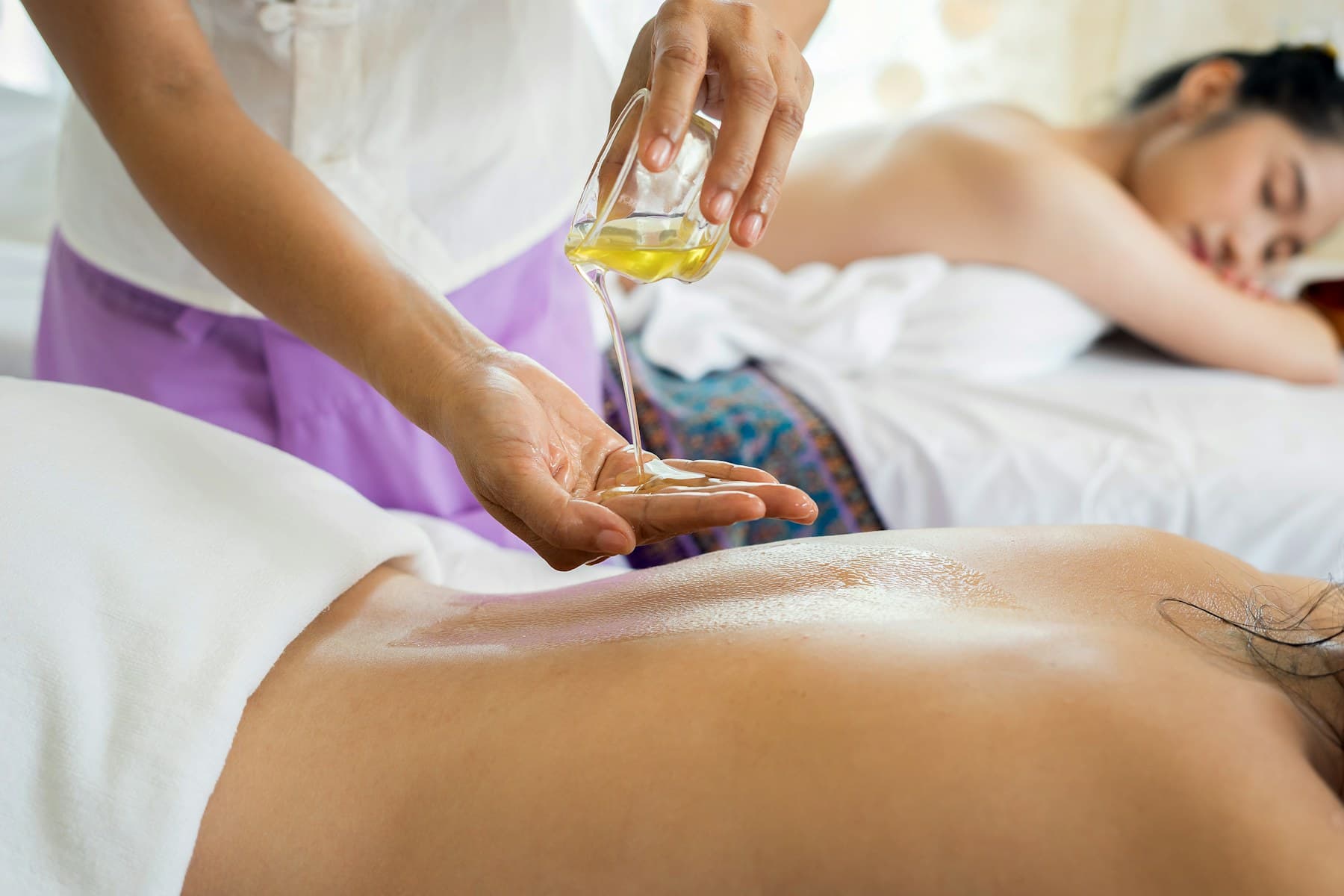
Calm spa treatment room ready for a wellness session

Spas & wellness studios

Review appointments, select the services provided, and add products the client takes home. Staff build the checkout; booking details do not fill the cart automatically. Tips and follow-up need their own setup.

View business guide
Barber chair in a classic barbershop

Barbershops

Manage appointments and ring up cuts, products, and tips. Staff select the services at checkout; booking details do not fill the cart automatically. Confirm your scheduling setup rather than assuming chairs are assigned automatically.

View business guide

Flexible & multi-location

A configurable starting point for uncommon catalogs and businesses operating more than one location.

Store operator holding an open sign at a specialty-retail storefront

Specialty retail stores

Organize your own categories and import a supported CSV or XLSX catalog. Add staff, online selling, or linked Store Locations as needed. Unusual product types may need manual setup; Tillr does not cover every specialty.

View business guide
Store operator holding an open sign at a storefront entrance

Multi-store retailers

Share products and prices across linked Store Locations. Configure stock per location or as a shared pool, and give staff access by role. Owners can compare today’s revenue and transaction counts; payment details stay in each store’s reports.

View business guide

Don't see an exact match?

Use the closest business guide as a starting point, or browse solutions organized around a specific job such as inventory, loyalty, or online sales.