Organize your catalog
Add product names, SKUs, barcodes, prices, and categories.
Built for Specialty retail stores
Organize your own categories and import a supported CSV or XLSX catalog. Add staff, online selling, or linked Store Locations as needed. Unusual product types may need manual setup; Tillr does not cover every specialty.

Day-to-day jobs
Add product names, SKUs, barcodes, prices, and categories.
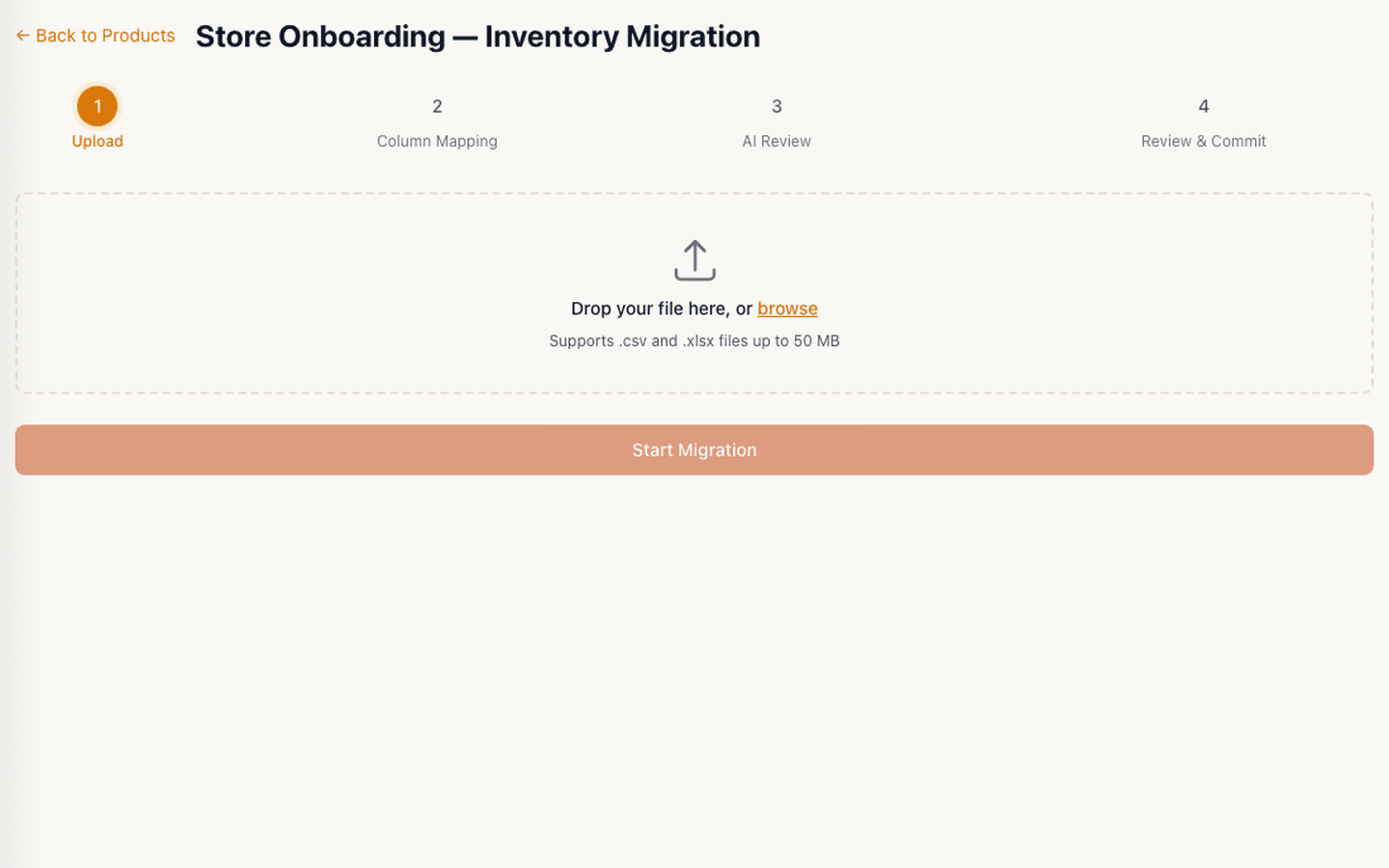
Clean up older exports, map the columns, and review rows before importing.
Prepare checkout, customers, and reports. Optional tools depend on your plan and setup.
Set up staff, loyalty, an online store, or linked locations when they suit the business.
In your business
Import a small sample, check the items, and try a sale. Review the report before bringing in the rest of your catalog.
In the product
Your team's screens reflect your own catalog, staff, and setup.
Related features
Start with your products and the tasks you need to handle.