Ring up the chosen size
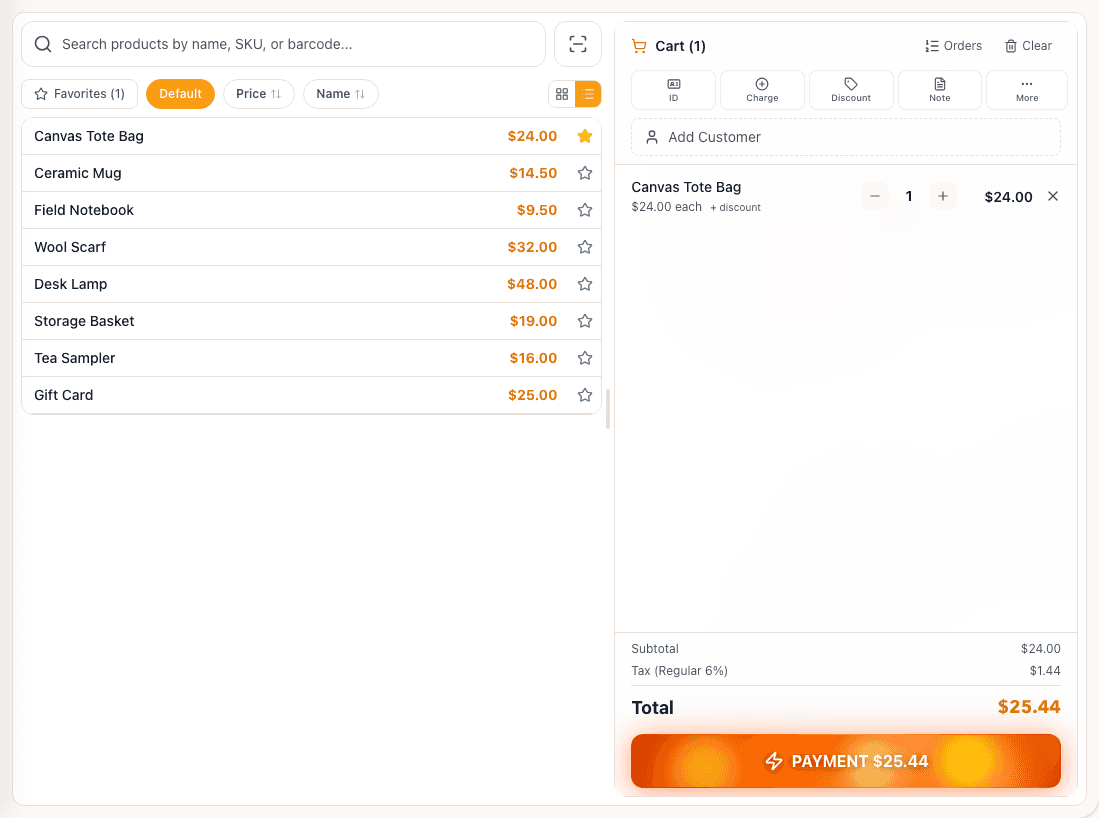
Scan or search the separate SKU the customer brings to the counter.
Built for Boutiques & apparel stores
Ring up the size and color your shopper chose. Set up each as a separate SKU; the option matrix does not create or group product variants. For a replacement, return the eligible item first, then make a new sale—not a combined exchange.

Day-to-day jobs
Scan or search the separate SKU the customer brings to the counter.
Add a customer profile when requested and apply eligible loyalty rewards.
Use your configured store logo and business details on the receipt.
Return the eligible quantity against the original sale, then sell the replacement as a new transaction.
In your business
Find the original sale and return the eligible quantity. Restore tracked stock where applicable, then ring up the new size with its own receipt.
In the product
Your team's screens reflect your own catalog, staff, and setup.
Related features
Explore the way your team sells clothes and handles returns.