Which file formats are supported?
The dashboard accepts CSV and XLSX product files with column mapping. Validate a sample because recognized layouts and mappings still require review.
POS Migration for boutiques and clothing stores
Import CSV or XLSX product exports, map columns to Tillr fields, and review rows before product commit. Mapping confirmation can create category or tax setup first, and not every legacy layout is supported.

Common friction
Three problems boutiques and clothing stores run into with pos migration.
Variant rows from the old system do not line up cleanly with Tillr fields.
You want to fix category names before customers see the catalog.
The team needs a test sale before going live on a busy Saturday.
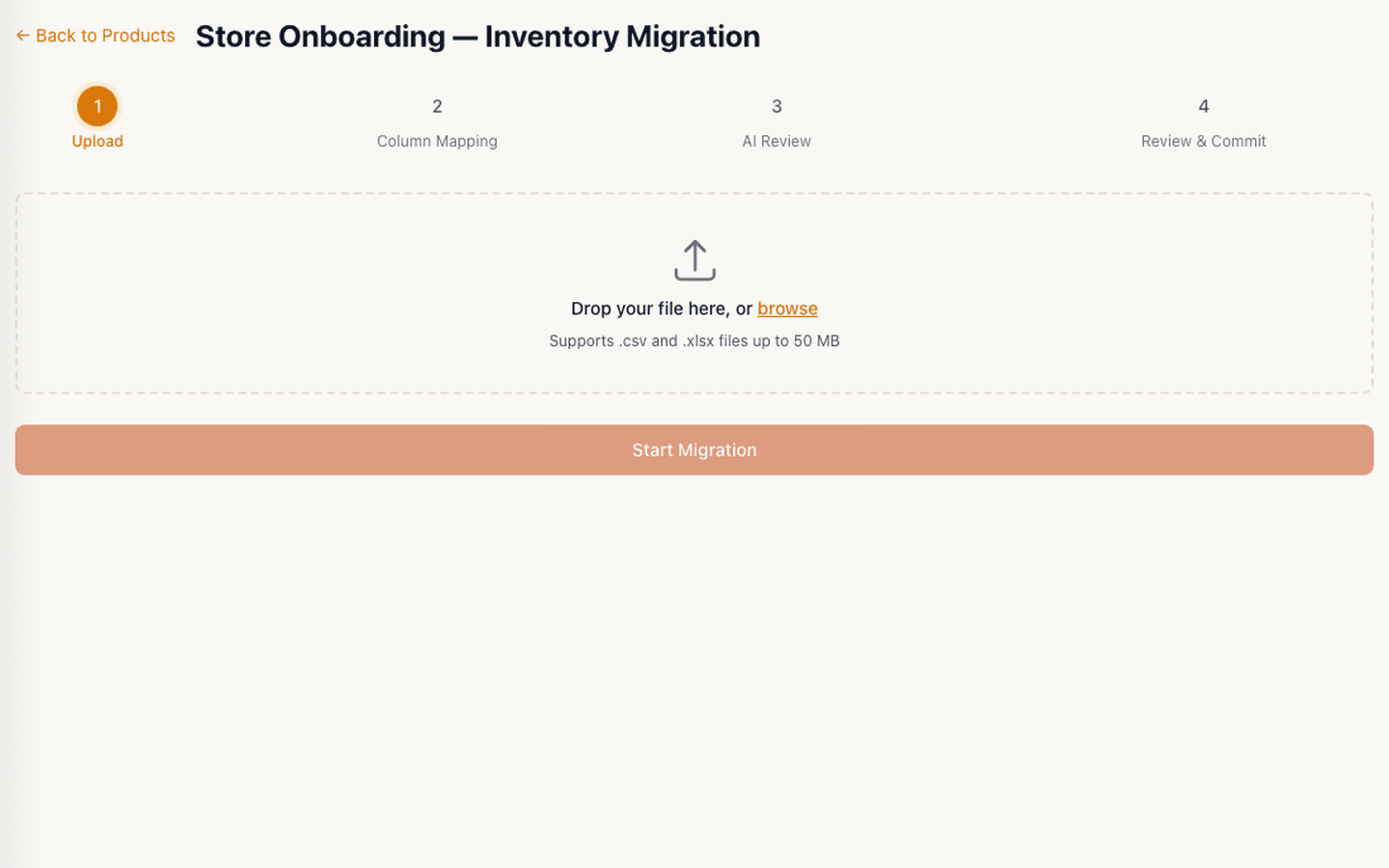
Tillr product migration upload step showing CSV and XLSX support up to 50 MB.
How it works
Plain steps your team can follow at the counter or in the dashboard.
Upload a CSV or XLSX export and map name, SKU, barcode, price, cost, and quantity columns.
Review product rows and categories, knowing mapping confirmation can create category or tax setup before product commit.
Run a test sale at the counter to confirm variants and prices look right.
Shop scenario
The owner imports last season's spreadsheet, maps size and color columns to product groups, reviews the list, and runs one test checkout before opening Monday.
Questions
The dashboard accepts CSV and XLSX product files with column mapping. Validate a sample because recognized layouts and mappings still require review.
Tillr reads common export layouts. Validate your specific export during evaluation — universal vendor support is not guaranteed.
Add a few sample products, try the feature, and decide whether it fits your shop.