Can card payments work offline?
Card payments need an internet connection. Cash sales can continue from the cached catalog.
Offline Mode for boutiques and clothing stores
Product catalog is cached on the iPad. Staff can search, scan barcodes, and take cash payments offline. Card payments need a connection — review queued sales after reconnecting.

Common friction
Three problems boutiques and clothing stores run into with offline mode.
Basement stock rooms and back corners lose Wi‑Fi during busy Saturdays.
Staff stop selling entirely when the internet blips.
You are not sure which offline sales synced correctly after reconnect.
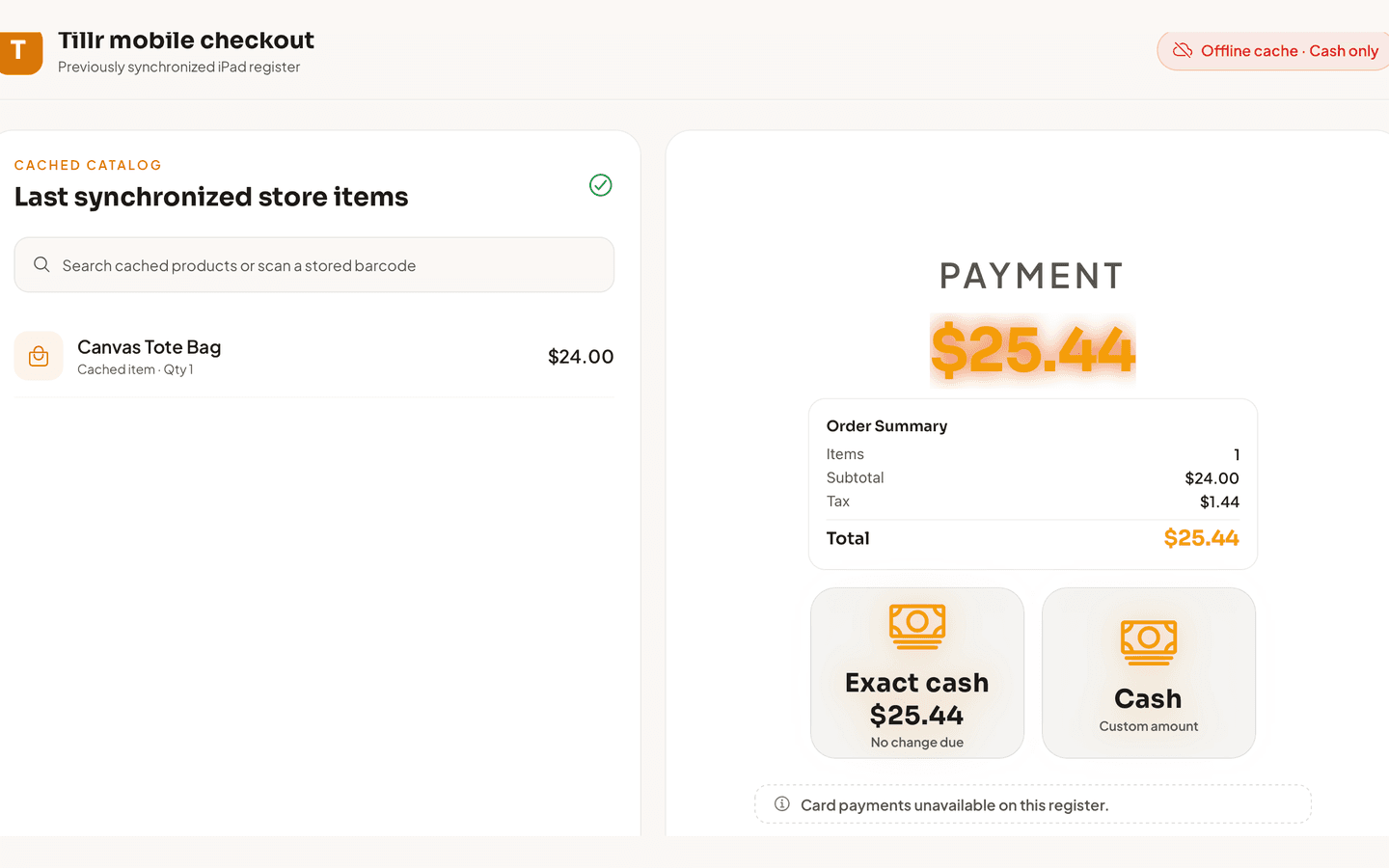
Tillr iPad offline checkout showing the last synchronized catalog, cash-only offline status, and Exact cash and Cash options.
How it works
Plain steps your team can follow at the counter or in the dashboard.
Catalog and barcode lookup stay available from the local cache on the device.
Build carts and take cash payments while offline.
Reconnect, then review synced sales in reporting to confirm everything landed.
Shop scenario
Wi‑Fi fails during a trunk show in the back room. Staff scan items from the cached catalog, take cash, and the owner reviews synced sales once the connection returns.
Questions
Card payments need an internet connection. Cash sales can continue from the cached catalog.
Queued sales can sync when connectivity returns. Review them in reporting to confirm totals.
Add a few sample products, try the feature, and decide whether it fits your shop.