Sell where customers are
Use the counter or your own online store while keeping checkout connected to the same catalog.
Tillr features
Checkout, online orders, inventory, customers, and reporting share one operating system—without forcing every business into the same setup.
Start with the workflows your business needs. Add more when the operation is ready.
One operating record
These four paths show how Tillr groups the work. Open a specific feature when you need detailed capabilities and workflow steps.
Use the counter or your own online store while keeping checkout connected to the same catalog.
Manage products, stock, orders, and fulfillment without rebuilding the same operating record in separate tools.
Keep customer records, loyalty rules, and outreach close to the transactions that created them.
Review one selected store at a time, then open separate reports when a number needs investigation.
Inside the product
Each screen below uses sample data. Open the detail page to see the workflow, intended outcomes, and related capabilities.
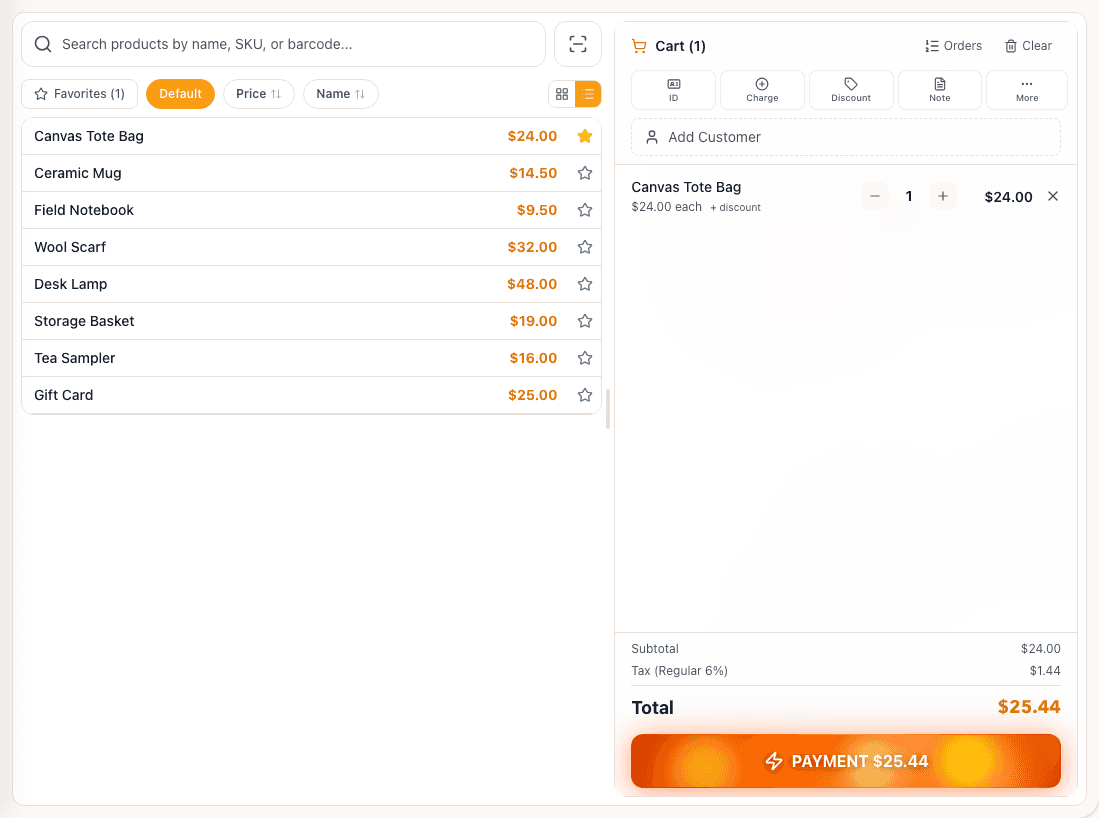 Sample data
Build a cart, choose a tender, and keep the sale tied to the product and customer record.
View workflow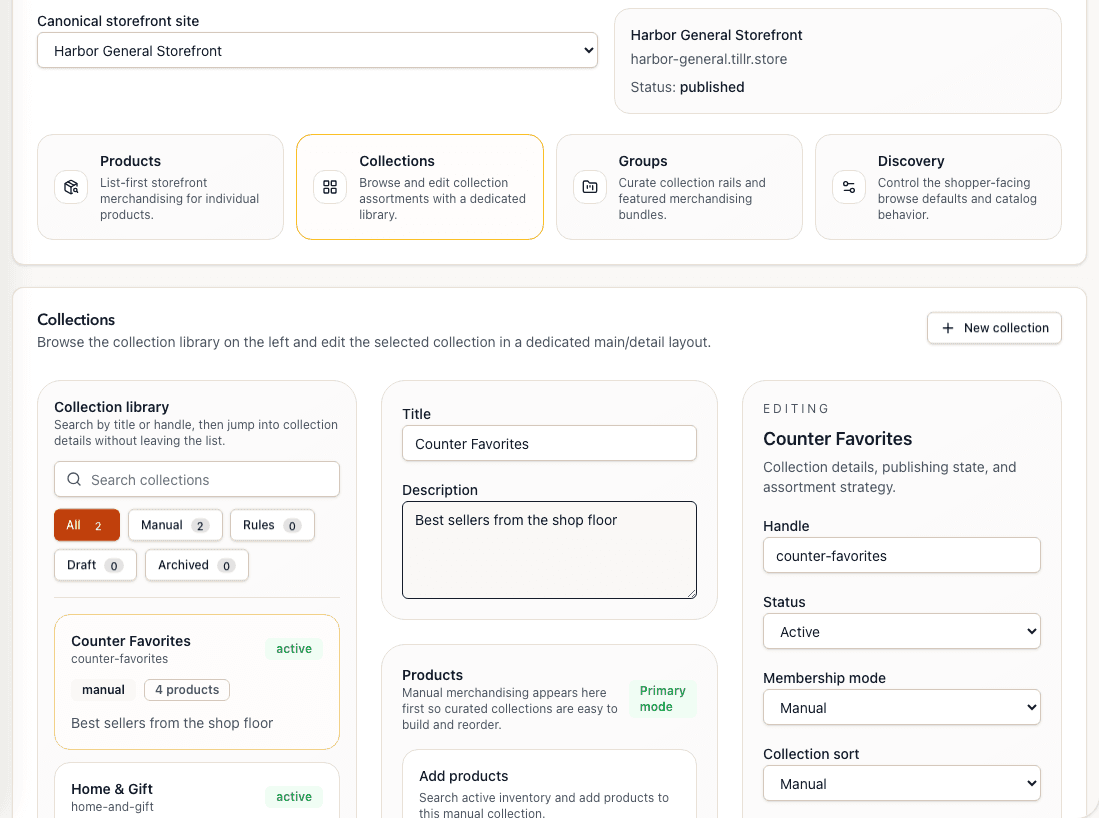 Sample data
Publish catalog collections and direct-order paths from the same back-office workspace.
View workflow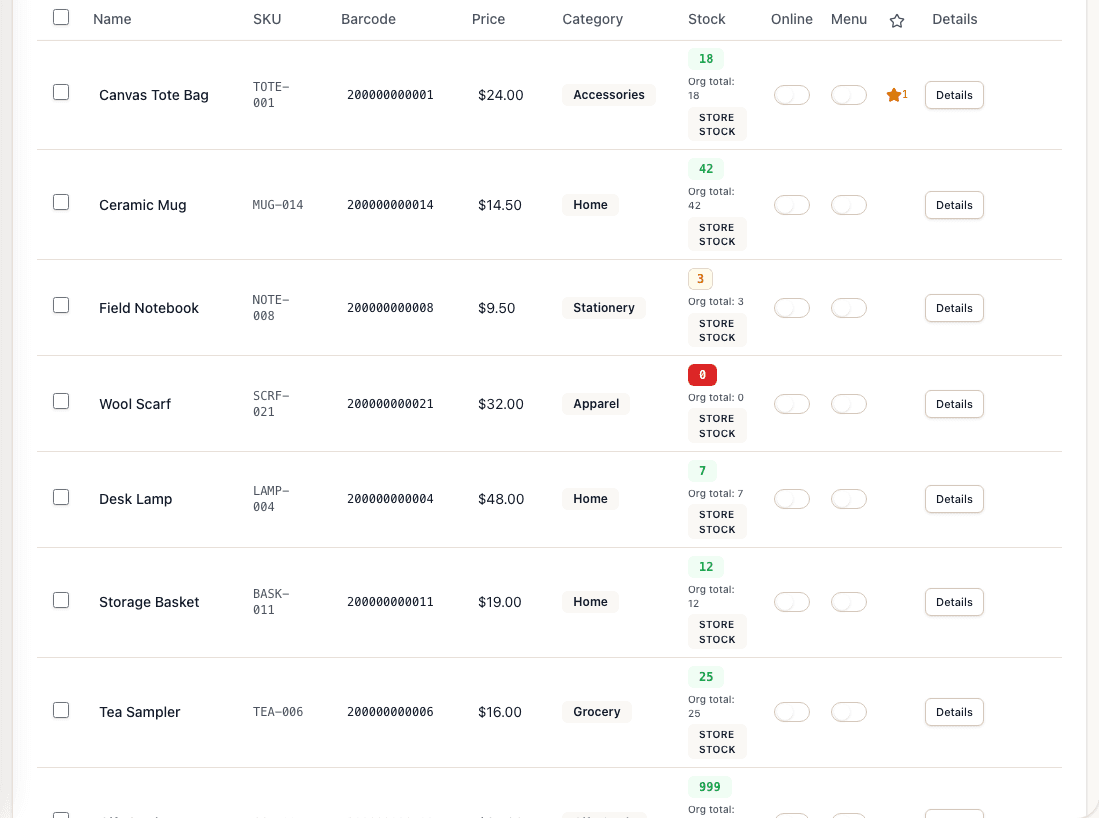 Sample data
Review products, categories, prices, and stock context without leaving the operating catalog.
View workflow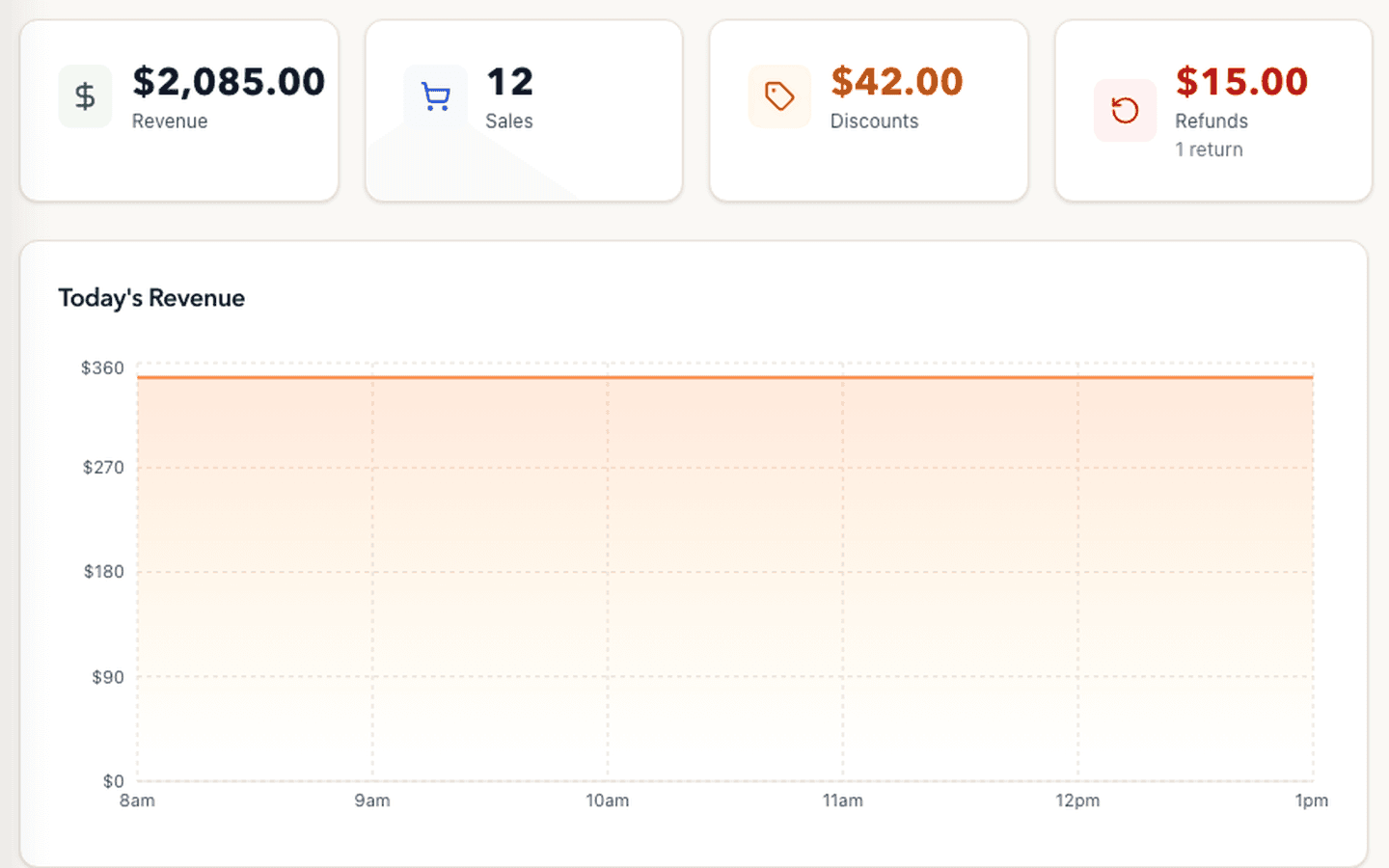 Sample data
Review one selected store's completed-sales activity, then open the relevant payment, product, category, or transaction report.
View workflowSet up the core workflow, verify it with your team, and connect additional channels when they are useful.